
What makes it different
Describe the photo you want
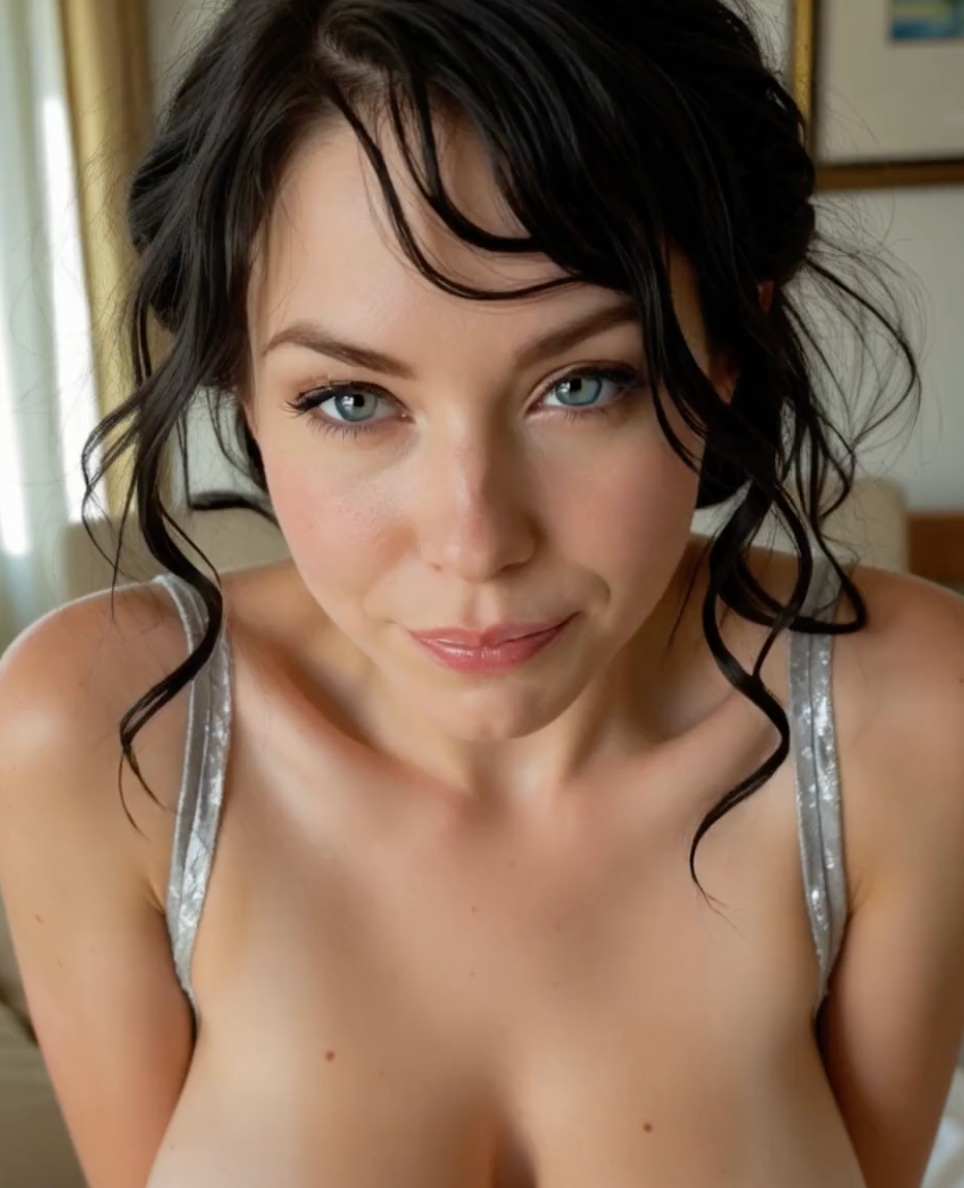
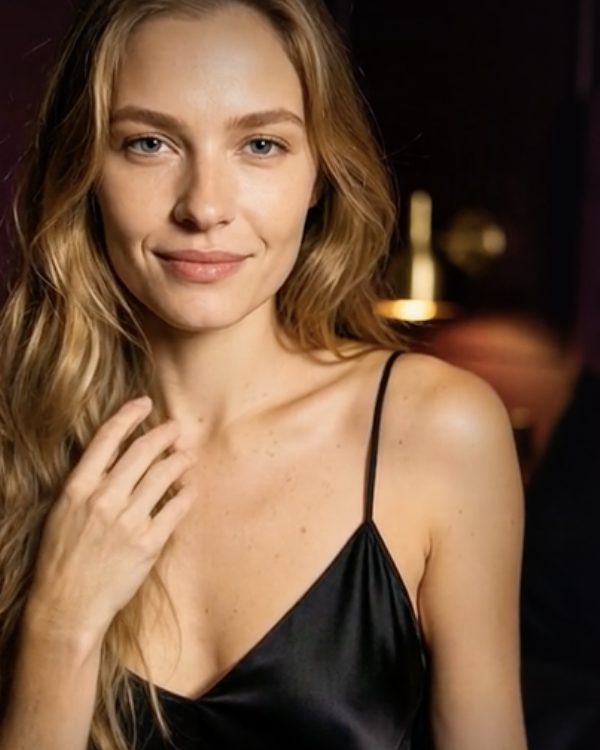
Start with a fictional adult character and describe their appearance, clothing and surroundings. Choose a realistic, illustrated or anime look, then generate a picture from your description. You can create a new image without supplying a photo first.
Try a different outfit, pose or setting
Use a generated picture, or an adult photo you have permission to edit, as your starting point. Ready-made options let you explore different outfits and poses; photo-set options create several pictures around a shared theme. You can also edit details in a generated image rather than create a completely new one.
Turn a picture into a moving scene
Choose an eligible image from your creations and describe what should happen in the video: a gesture, an expression or a camera movement. Supported video tools can also generate sound. It gives you a way to develop a picture you like into a short scene.
Before you choose
Start with free image creation. Limited image generation is available to try. Video and additional creations use Coins, GeneratePorn’s credits; paid video tools unlock after a Coin-pack purchase.
Buy credits when you need them. Coin packs are one-time purchases, with no recurring subscription. Purchased Coins do not expire. Creating a photo, editing it and making a video are separate actions, each with a cost shown before you start.
Download your favourites. Generated results are kept temporarily. Save the photos and videos you want to keep to your own device.
Who this is for
GeneratePorn suits people who want to direct the pictures and videos they see: choosing a look, trying an outfit or developing a scene. Its main purpose is visual creation, rather than an ongoing conversation with an AI girlfriend. If making your own content is the attraction, the mix of ready-made choices and written descriptions gives you different ways to start.
Questions worth answering
Do I have to write a detailed description every time?
No. Ready-made presets already contain the instructions for a particular outfit, pose or scene. Choose one when you want a quick starting point; use your own description when you have something more specific in mind.
Can I make a video from words alone?
Yes. The video generator supports written descriptions as well as pictures. Describe the subject, action and setting to start from words, or use an image when you already have a look you want to develop.
What is the difference between a clip and a movie preset?
A clip creates a short video scene. A movie preset brings several scenes together into a sequence. Choose a clip for a single moment or a movie option when you want a longer progression.
Alternatives
Lovescape may appeal if you want character chat and written stories alongside your image and video creation.
Candy AI may suit you if the main attraction is getting to know a companion through conversation and voice, with generated visuals as part of the experience.