

Lovescape
Create a character worth returning to—and give the story more than one form.
Explore LovescapeWhat makes it different
Start with a character, not a blank prompt
Choose an existing character or shape your own appearance, personality, behaviour and interaction tone. That gives your roleplay a distinct presence to carry into a conversation, story scene or new visual.
Let a scene become a conversation
Use chat and roleplay to set the relationship and atmosphere. Lovescape describes conversations that draw on chat history, alongside scenarios and story creation. Begin with an existing character or build one around the dynamic you want to explore.
Give the character a visual life
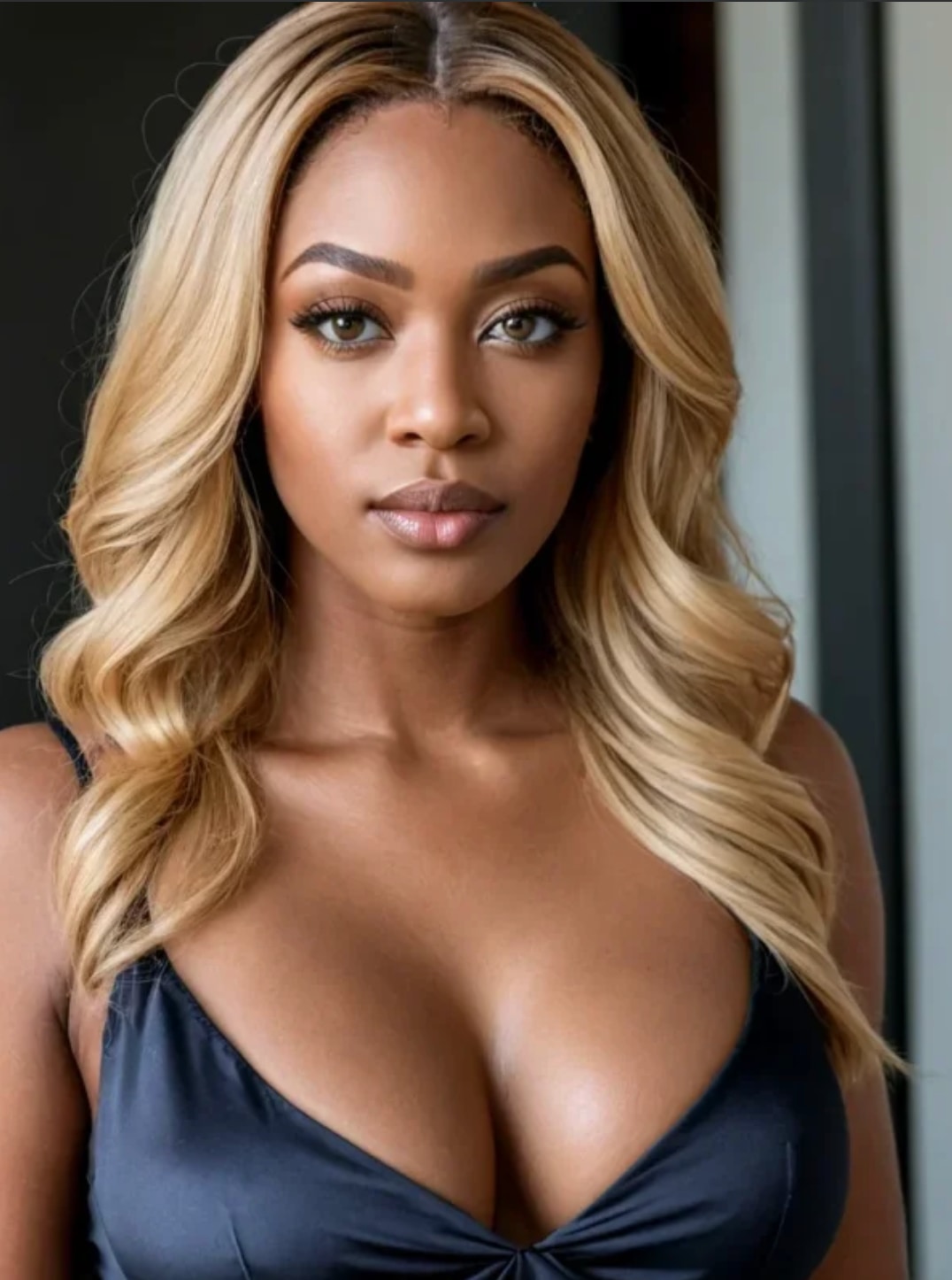
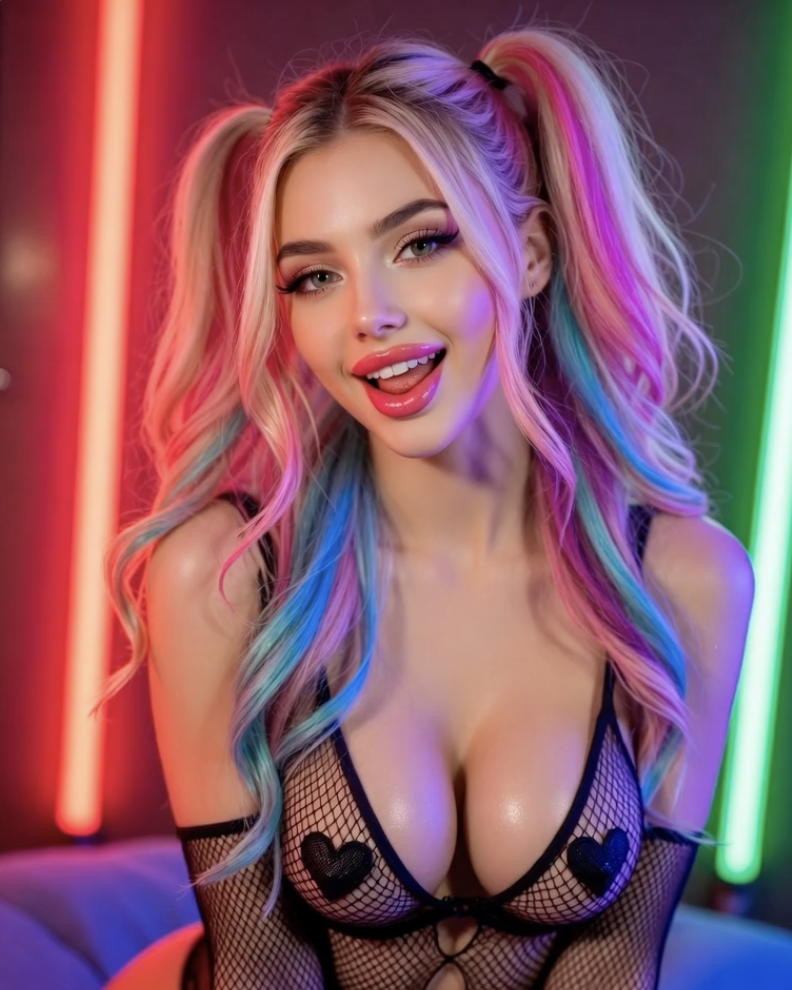
Create character images with scene prompts, then explore video tools that turn a concept or eligible image into motion. Let a conversation suggest a setting, an expression or a mood, and use that idea to direct the next visual.
Before you choose
Begin with a character. Character creation is available after registration. Paid subscriptions unlock additional interactions and creative tools; included features depend on the plan.
Choose how far to create. Paid plans unlock more of the experience. Extra image tools can use Chips, Lovescape’s credits; buying Chips requires an active subscription. The tool displays the creation cost before you generate.
Keep the fantasy fictional. Lovescape is for adults 18 and over, with rules for the characters and scenes you create. Subscriptions renew automatically; cancelling in account settings leaves access active through the paid period.
Who this is for
Lovescape suits people who want a companion and a world around them: conversation, written scenes, images and video that develop the same idea. Our view: the appeal is that creative loop between character and story. If you mainly want to browse finished media, expect a more hands-on experience built around choosing details and directing scenes.
Questions worth answering
Can I change a character after creating them?
Yes. Lovescape’s character guide says many attributes can be edited later. You can refine a companion as the idea develops rather than start from scratch every time you want to change a detail.
How do I take a still image into video?
Start with an eligible image generated on Lovescape and describe the movement, expression or camera direction you want. The image provides the starting point; the video prompt gives the scene its next action.
Can I explore illustrated styles as well as realistic ones?
Yes. Lovescape supports realistic and anime-style characters, alongside illustrated visual directions. Choose the look that suits your story, then use its character and image tools to develop it.
Alternatives
Candy AI may appeal if you want to focus on customising a companion and exploring voice alongside images and video.
Secrets AI may suit you if the heart of the fantasy is changing course mid-chat; its Time Travel feature lets you rewind to an earlier message and continue another way.