
What makes it different
Give the attraction a personality
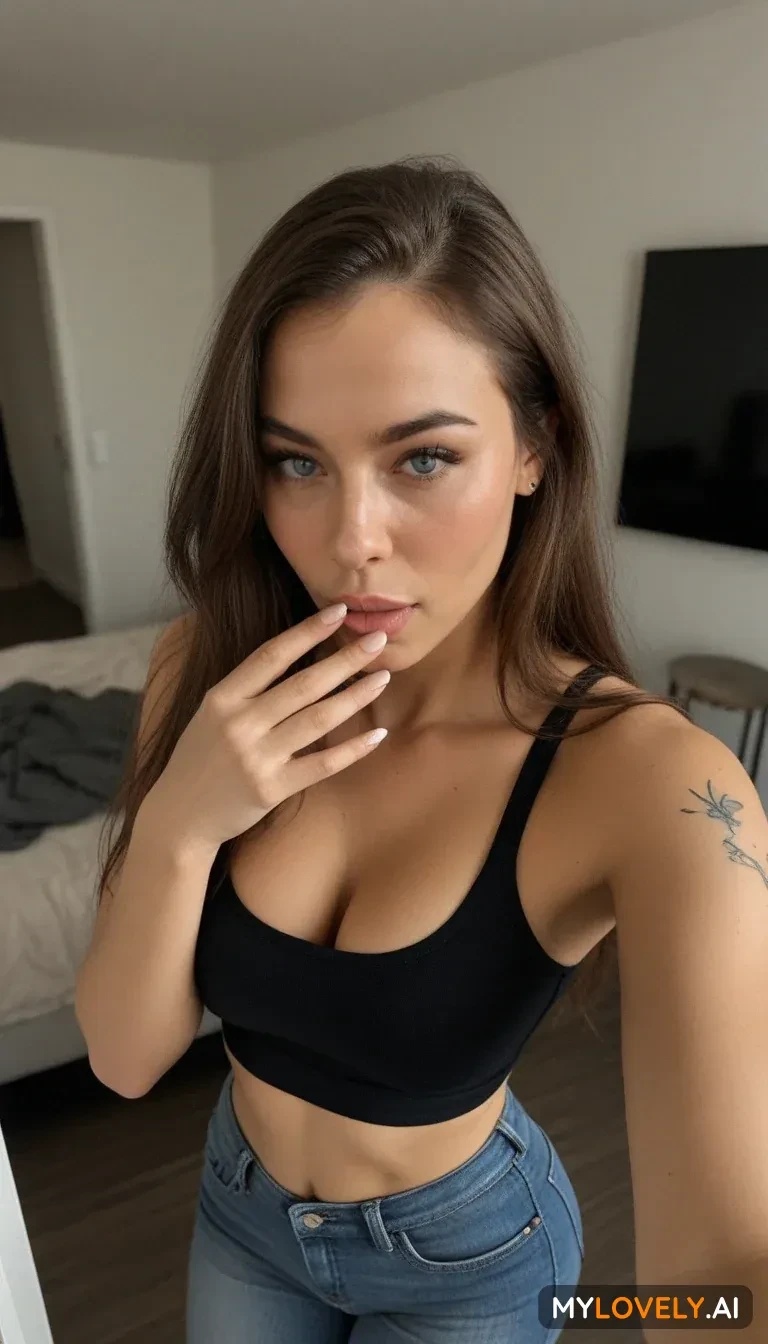
MyLovely AI’s character builder combines visual choices with personality, hobbies and quirks. Follow the guided steps, or use the paid description-led creation mode when you already have someone in mind. Then take that character into conversation, with voice messages adding a sound to the personality you chose.
Change the picture you like instead of starting again
The Edit tool works on an existing picture, so a new outfit or setting does not have to mean a completely new creation. Describe what to add, remove or change: a scarf, different lighting, a room beyond the window. You can work from your generations, gallery pictures or images you have permission to upload.
Let a favourite moment move
Pick a saved picture and use Animate to build a video from it, describing the movement you want next. Start with a glance, a turn or a small gesture that follows the original pose. A separate text-to-video route lets you begin with a written scene when you do not have a picture to work from.
Before you choose
Begin with Starter. The free plan offers basic creation tools and access to video creation. Generated media uses tokens, so access to a tool and the balance needed to use it are separate things.
Choose the creative access you need. Premium Plus adds a token allowance, description-led characters, custom prompts and other benefits. Monthly, quarterly and annual billing options are offered, with separate token top-ups available. Check the current plan and generation cost before paying. Subscriptions renew automatically; cancelling in account settings keeps paid access active until the term ends.
Who this is for
MyLovely AI suits people who want to chat with a character and also enjoy shaping their visual world. Editing an existing picture, combining visual ideas and animating a saved moment make it appealing for someone who likes refining a creation. If you only want casual conversation, those extra creative tools and token purchases may play a smaller part in your choice.
Questions worth answering
Can I put a character from one image into the setting of another?
Yes. The editing guide describes combining a base picture with a reference image. Choose the character picture as the base, add the setting as the reference, then explain how you want them brought together. This gives you a way to build a scene from visual ingredients you already have.
Should I write image prompts as a story or a list of details?
MyLovely AI recommends comma-separated keywords for its main image generator, covering the subject, appearance, pose, setting and lighting. Editing and video use ordinary sentences instead. Matching your writing to the tool is more useful than pasting the same long description everywhere.
Are private generations included in the free plan?
Private generations are listed as a Premium Plus benefit, alongside images without watermarks. If keeping your creations private matters to you, make that feature part of your plan choice before generating personal content.
Alternatives
GeneratePorn may appeal if image editing and video are the main attraction and you prefer one-time Coin packs to a recurring plan.
Candy AI is worth considering if you want to put companion customisation, conversation and voice at the centre of the experience.